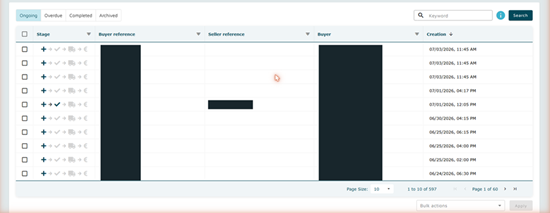
The Orders screen lists every order for your company. The four category tabs at the top left split them up: - Ongoing — orders that need your action.
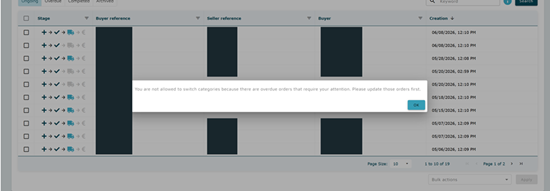
- Overdue — orders past their scheduled delivery date.
- Completed — orders that are fully processed.
- Archived — orders you have archived and no longer want to see.
Use Search by keyword (top right) to jump straight to an order by reference, and filter any column from its header. The Stage column is the quickest read: its four icons light up left to right as an order progresses, so you can see at a glance what still needs doing. Once you've found your order, you take it through four steps: - Open and check the order
- Confirm the order
- Ship the order
- Invoice the order
|